
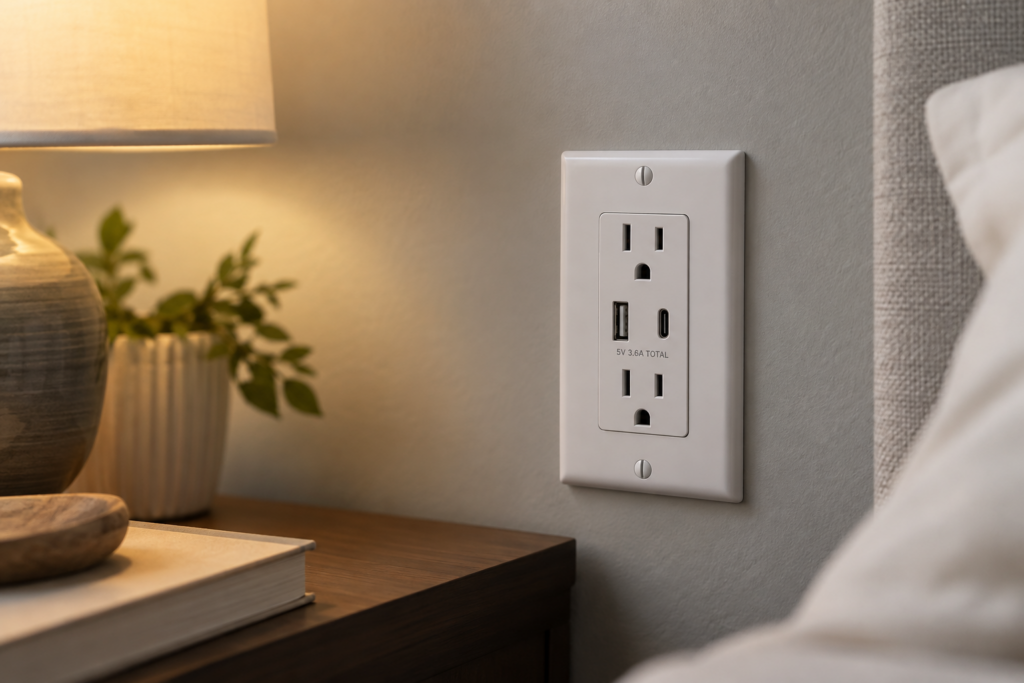
There is nothing quite as frustrating as reaching for a phone charger only to find every outlet already occupied by a tangled mess of power bricks. It turns a simple task into a hassle, and it makes your home look messy, too. The good news is that you don’t have to tear up your walls to fix it. You can swap out your old, single-outlet receptacles for a real USB charging port instead, giving every device its own dedicated spot to plug in. It is a quick project that makes your daily routine a lot smoother.
This post contains affiliate links, which means I may receive a small commission, at no cost to you, if you make a purchase through a link.
I have too many chargers and not enough plugs!
If your outlets are full and you still need to power up a phone, a standard upgrade is a great solution. These receptacles combine a standard plug with a built-in USB port, so you can plug in a lamp or a clock while simultaneously charging your phone without grabbing an extra adapter.


This 15A tamper-resistant outlet is Leviton’s standard USB charging receptacle — a solid, reliably performing choice that’s very reasonably priced for a straightforward upgrade.


If you’d rather go with a 20A rating, this version offers the same USB convenience at an even more affordable price than the 15A model, making it a great budget-friendly pick.
What if I have a different type of USB???
Not all devices charge with the same plug, and sometimes you need something that supports newer standards. If you are looking for a versatile upgrade, these receptacles are designed to handle a mix of needs, often featuring both Type-A and Type-C ports to keep your various gadgets powered up.


This option skips the standard plug entirely in favor of four dedicated USB ports, delivering a combined 4.2 amps, so it’s a good fit for a spot where you mainly need to charge phones and tablets rather than plug in an appliance.


With both a Type-A and a Type-C port built in, this outlet covers the mix of cables most households have on hand, though it’s rated for smartphones and tablets rather than laptops.


This Power Delivery version steps up the output to handle tablets and even laptops, making it the pick if you need to charge higher-power devices rather than just a phone.
But my current receptacle is a GFCI…
It is common to find GFCI outlets in kitchens and bathrooms where safety is the priority. If you want to keep that safety feature while adding USB charging, you have options that combine the trip protection with convenient ports. These devices are designed to replace your existing GFCI without losing the safety benefits you rely on.


This GFCI combination outlet keeps the trip protection required in kitchens and bathrooms while adding a Type-A USB port, so you don’t have to give up either safety or charging convenience.


For a higher amperage GFCI circuit, this 20A version offers the same Type-A USB charging with the trip protection your kitchen or bathroom outlet needs.


This GFCI model adds a Type-C port alongside the Type-A, giving you the safety protection of a GFCI outlet along with the flexibility to charge newer devices at the same time.
Final Thoughts on Choosing a USB Charging Port
Upgrading your outlets is one of the easiest ways to reclaim space and reduce the visual clutter of chargers and cords. Whether you are working with a standard outlet, a specialized port setup, or a safety-required GFCI, there is a solution that fits your needs. With a little bit of elbow grease and the right part, you can make your home feel a little more organized today.